
Team discipline without micromanagement
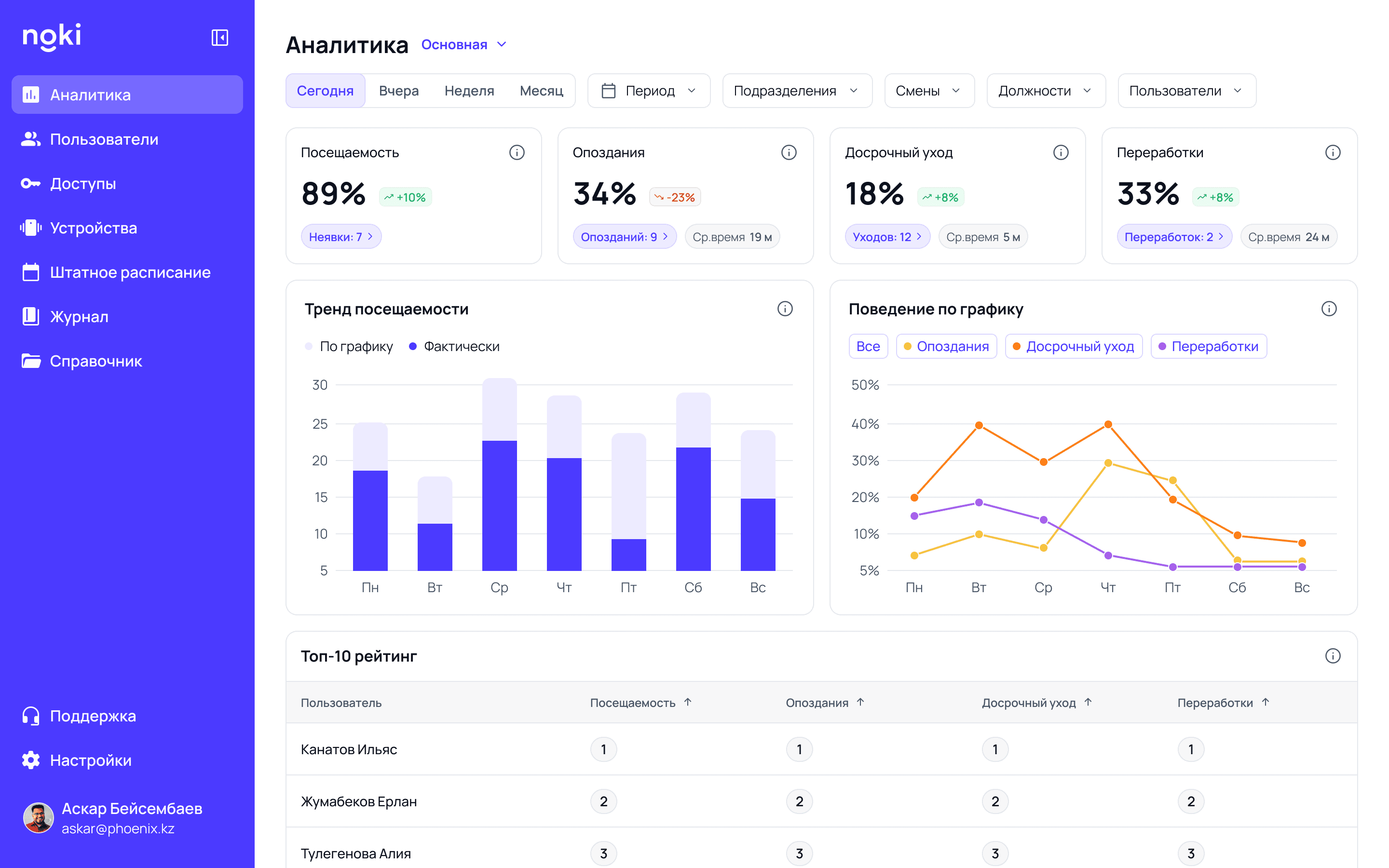
Employees check in from their phone and NOKI counts the hours, late arrivals and overtime. You see the day as it happens, without assembling it by hand.
iOS · Android · web panel · no hardware required
Check in from the app, get the report in the panel
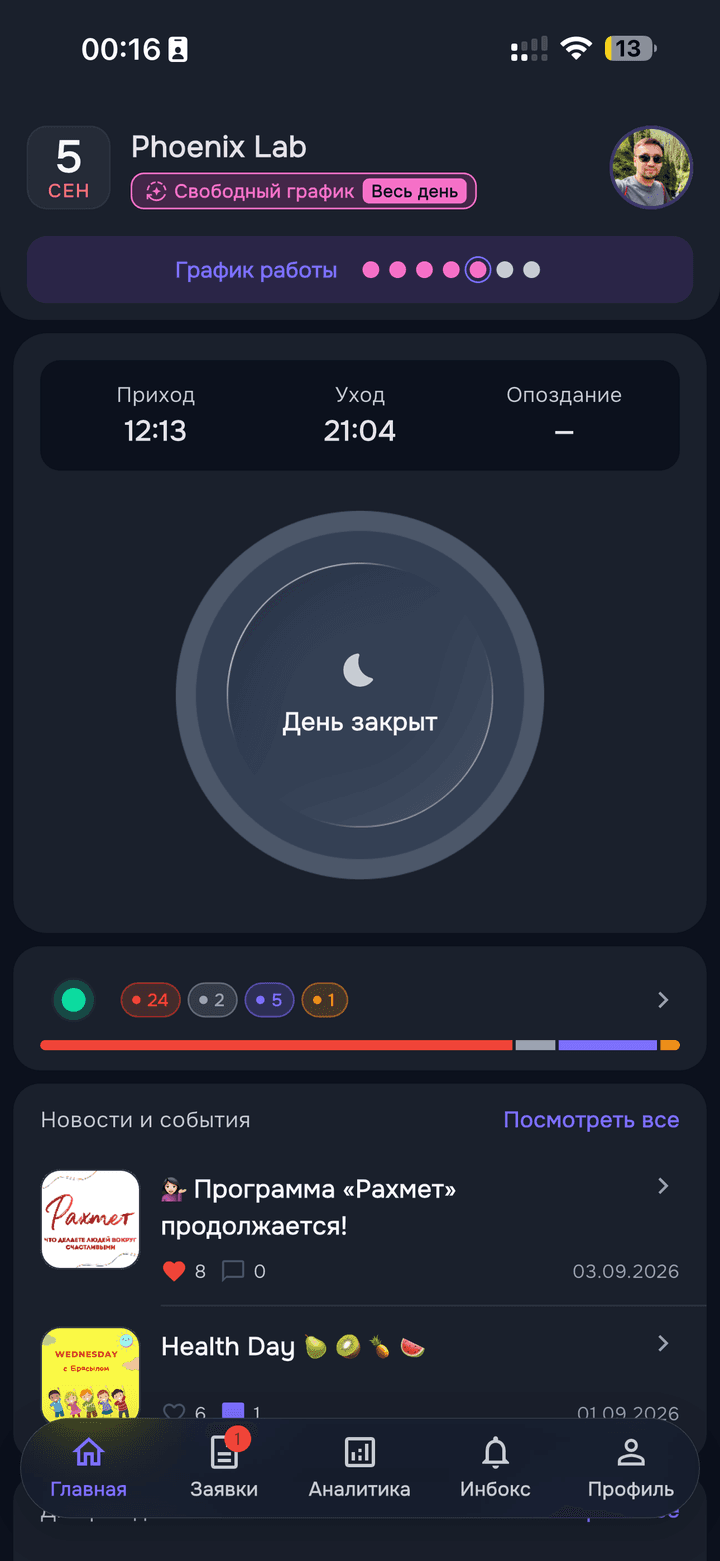
Employees check in from their phone — photo, GPS and a geofence check. NOKI counts the hours, late arrivals and overtime for you, with no spreadsheets and no manual reconciliation.
Control centre
Every site and employee on one screen
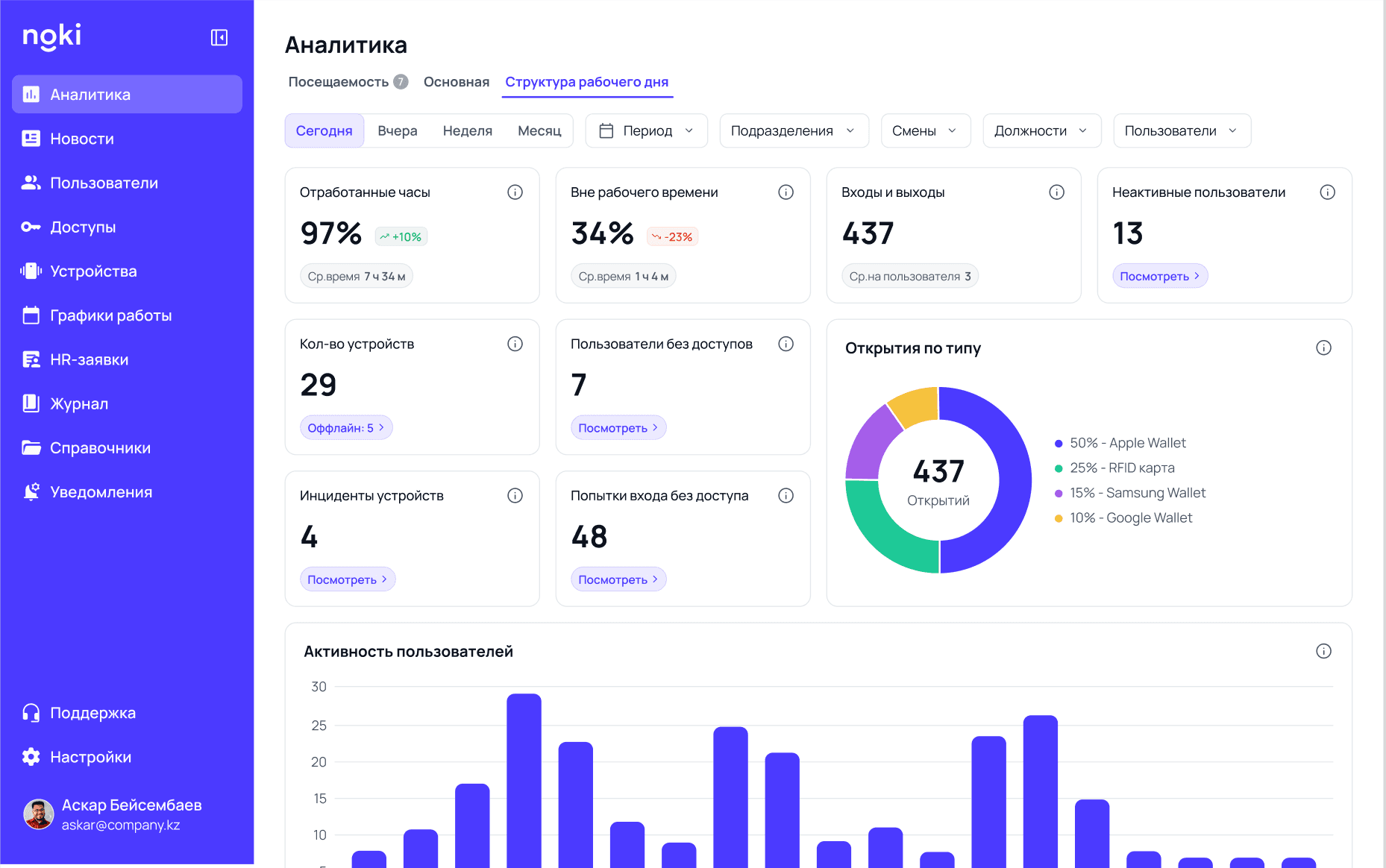
Configure access and watch entries across all your sites at once — from a browser, anywhere.
Flexible schedules
Shifts, flexible hours, remote work — set the rules per team.
Reports arrive on their own
Late arrivals, overtime and absences — via Telegram or email, on a schedule. Once a week, an AI summary with recommendations.
Event log
Every entry and every access change is recorded down to the second. Any day can be reconstructed in a couple of clicks.
24
modules across the web panel and app
0
hardware needed to get started
2 sec
to check in from the app
iOS · Android
plus the web panel in a browser
What NOKI does
The manager's panel and the employee's app run on the same data — no exports, no double entry.
Manager panel
What the manager sees
One source of data for HR, security and IT — no exports to spreadsheets, no manual reconciliation.
Analytics
Attendance, late arrivals, overtime and early leaves — by company, department and shift.
Users
Employees, roles and permissions. Contractors, security and cleaning each get their own level.
Access levels
Zones, temporary passes and one-time permissions: office, warehouse, server room.
Devices
Controllers, readers and locks on one network. Status and incidents in real time.
Work schedules
Shifts, remote work, flexible hours, holidays and business trips by department and site.
HR requests
Incoming approvals, stages, rejection with a reason, and ready-made orders.
Event log
Every entry and every access change — down to the second.
Directories
Departments, positions and divisions. One source of company structure.
Company news
Posts for the whole team — with employee comments.
Notifications
Category-based broadcasts and control over who receives what.
Telegram reports
Late arrivals, overtime and absences arrive on their own — via Telegram or email.
ACS integrations
Optional: if turnstiles are already in place, their events come in alongside app check-ins.
Employee app
What the employee sees
More than a check-in: requests, vacations, personal stats and team life — which is why people actually use it.
Check-in
Arrival and departure in two seconds: photo, GPS and geofence check. No signal — the shot sends itself later.
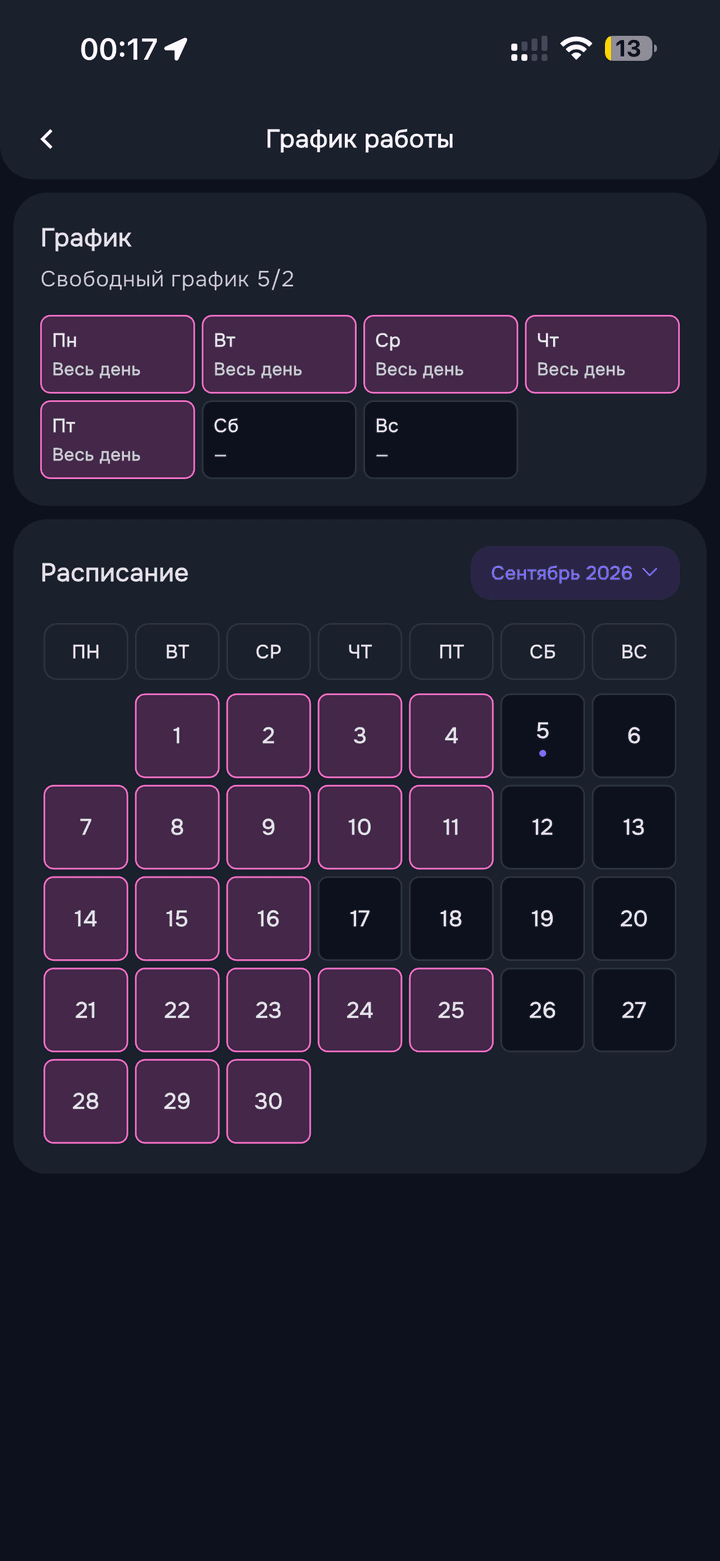
My schedule
The month ahead: office, remote, day off, vacation, sick leave, business trip.
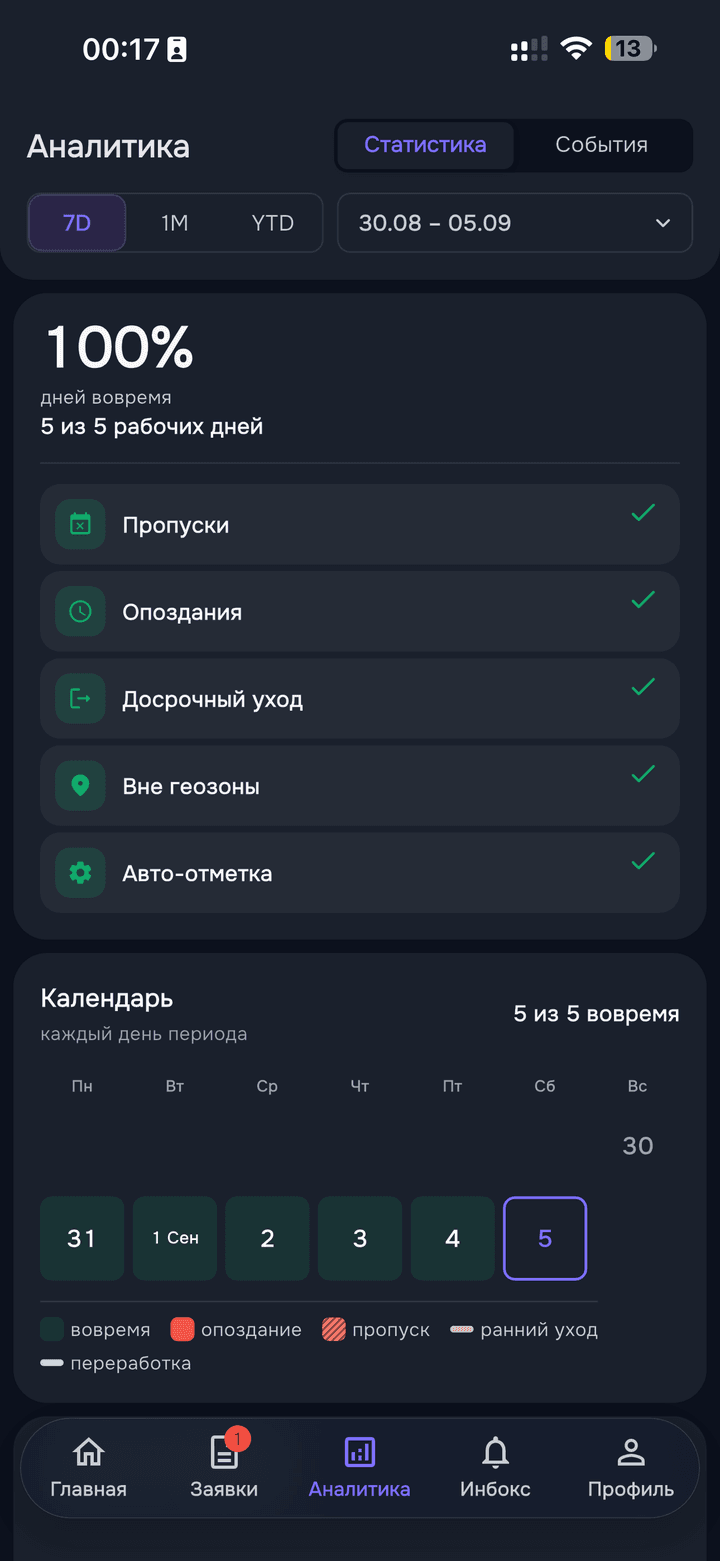
My analytics
Punctuality, median arrival, daily rhythm and a heat map by week and month.
No late arrivals
Days in a row and a personal record. Levels: a week, two weeks, a month, two months.
Requests
Nine types: vacation, sick leave, day off, business trip, schedule and position change.
Vacation plan
Employees allocate their own days for the year — the system watches the limit and overlaps.
Team pulse
Who is at work, remote, on a business trip or on vacation — right now.
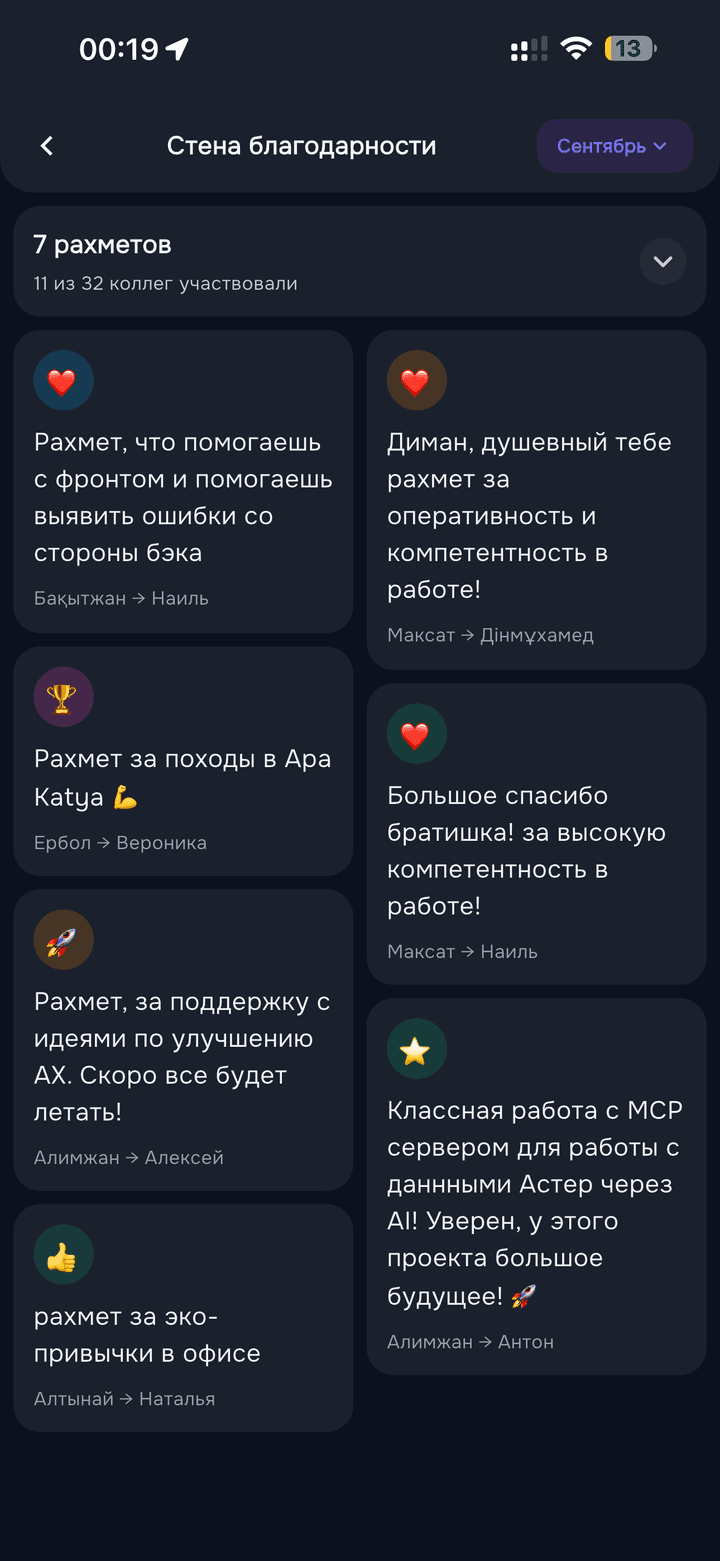
Rakhmets
Thank a colleague for something specific. A recognition wall and a monthly team board.
Birthdays
Upcoming list, greetings, a message drafted in advance and a morning reminder.
Achievements
Twelve tenure medals — from three months to ten years with the company.
Colleagues
A directory with department search. Profile, schedule, call and WhatsApp in one tap.
Inbox
Notifications by category and per-push settings.
If you already run an access system



NOKI works on its own, with no hardware. And if turnstiles are already in place, we read their events directly and merge them with app check-ins.
Who NOKI is for
From a single office to a network of branches across cities.
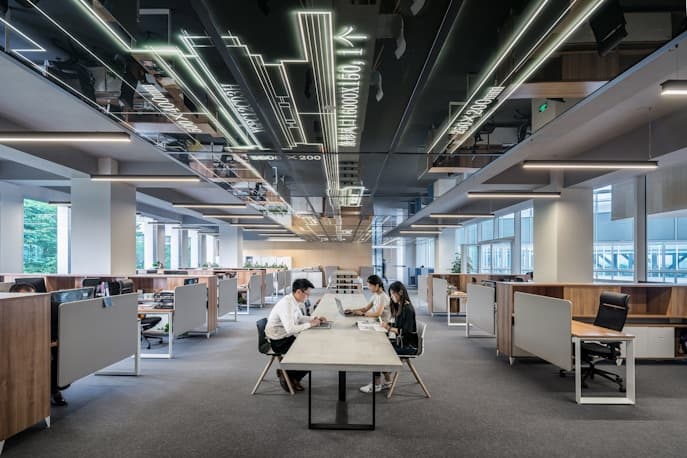
Offices
Employee activity, access levels and schedules in one interface.
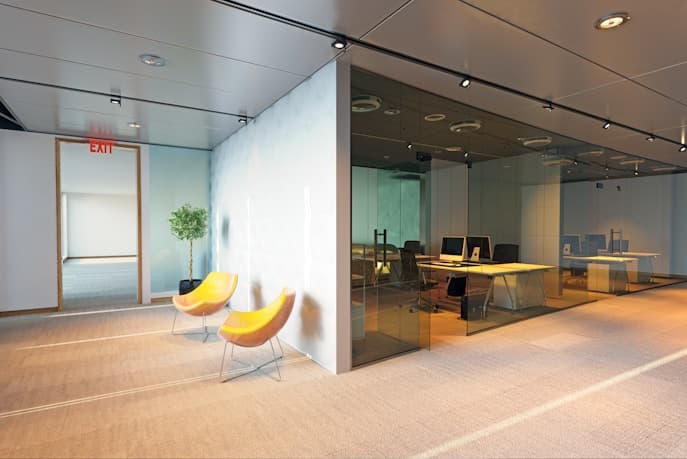
Business centres
Tenants, staff and visitors in one pass system.

Service companies
For teams where workload and engagement need to be visible.

Retail and chains
Staff across branches, attendance statistics and work schedules.
The employee app
- Check in and out in two seconds — photo, GPS and geofence check
- Vacation, sick leave and time-off requests — no paper, no chasing
- Personal stats, the vacation calendar and colleagues' birthdays
No signal — the shot sends itself as soon as the connection is back.
Download the app and connect to the system

MCP server
Connect your AI agent to NOKI data
NOKI exposes its data over the MCP protocol. Connect Claude or any other compatible client and ask about attendance in plain language — no exports, no report building.
- Works with any MCP-capable client
- The same data as the web panel — no separate export
- The agent answers in text: no need to build a report to ask one question
Things you can ask
«Who was late most often in September?»
Analytics
«Show overtime for the sales team this quarter»
Event log
«How many people are remote or on leave right now?»
Work schedules
Live in three steps
Nothing to mount or configure on site — the app on your employees' phones is enough. We set up the schedules and import the employee list.
Step 01
Request
You leave your contacts. We check the size of your team and how your schedules work.
Step 02
Setup
We create departments, roles and work schedules, and help move your employee list over.
Step 03
The app, on their phones
Employees install NOKI and check in. Reports and analytics build themselves.
